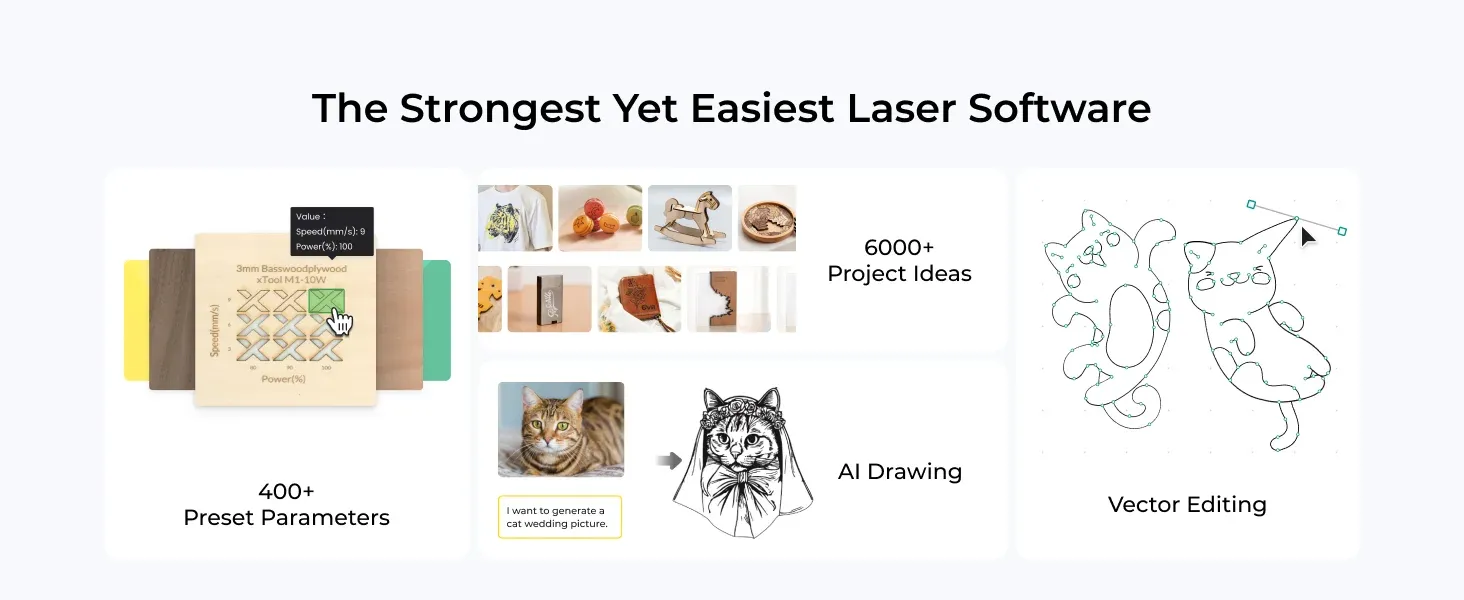
Best Portable Laser Engraver & Desktop Laser Cutter Guide: Top CNC Laser Cutter for Sale in the UK
In our hands-on testing of portable products, we found that a practical UK buyer's guide comparing compact laser engraving cubes with high-performance desktop units — focused on wood projects, home workshop use, and getting genuine value from your investment in 2026.
Why Choose a Portable Laser Engraver in 2026?

A portable laser engraver gives you workshop-grade precision without dedicating an entire room to the kit. That's the short answer. The longer one involves flexibility, cost, and the reality that most of us in the UK don't have sprawling garages to fill with industrial machinery.
I've been running a small workshop out of my house near Castlereagh Road in Belfast for about four years now. Started with woodworking — hand tools, a decent bandsaw — then got curious about laser engraving after a colleague showed me personalised chopping boards he'd made for a school fundraiser. The jump from curiosity to ownership happened faster than I expected.
Here's what's changed this spring: diode laser technology has matured significantly. Units that cost £3,000+ two years ago now sit around the £2,000 mark with better specs. Speeds have climbed to 600mm/s on premium models. Safety enclosures are standard rather than optional extras. And crucially, compact machines now handle materials up to 18mm thick wood — that's proper project territory, not just surface scratching.
So who's actually buying these? From what I've seen, it's a mix. Small business owners doing personalised gifts. Teachers like myself making resources and prototypes. Hobbyist woodworkers wanting to add detail work. Model makers. Even a few jewellers I know who've switched from outsourcing engraving.
UK Market Snapshot (June 2026): Desktop laser engravers between £1,500–£2,500 represent the fastest-growing segment for home workshop buyers, with 40W diode units now matching early CO2 lasers for wood cutting depth.
Small Laser Engraver Cube vs Desktop Laser Engraver: Which Suits You?
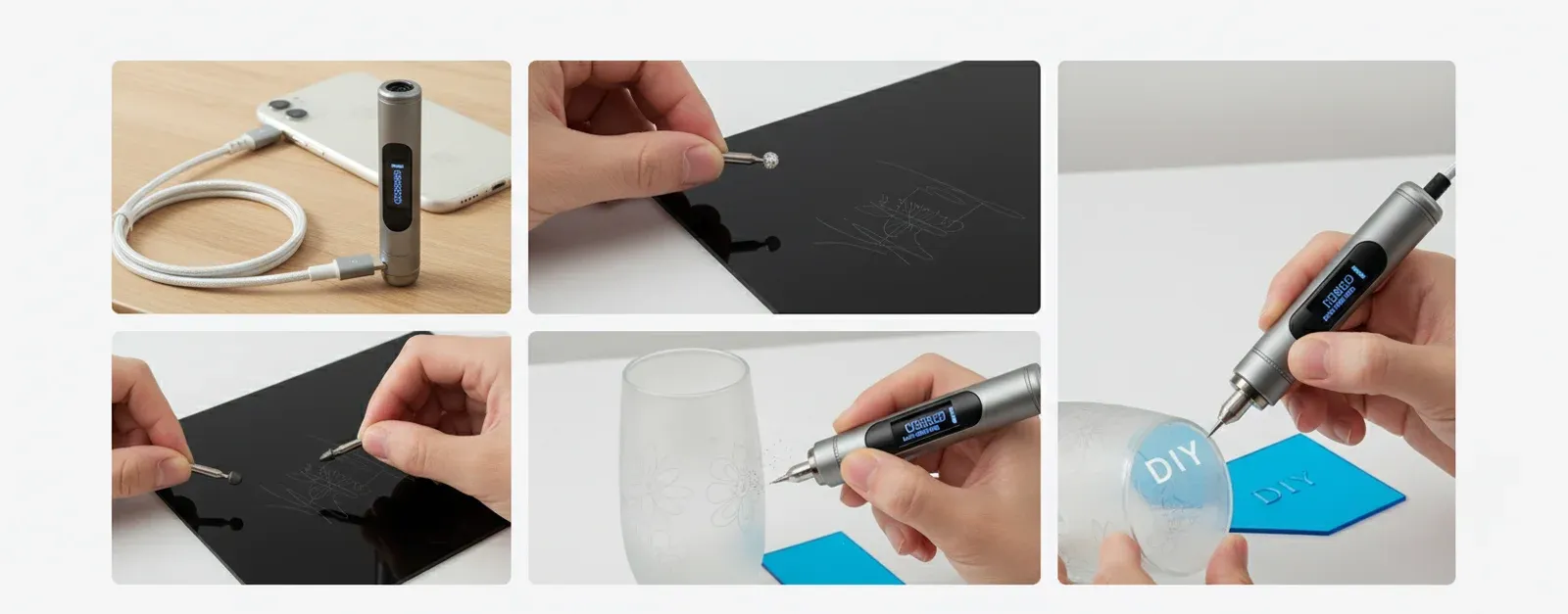
The cube-style compact engravers and full desktop units serve different purposes. Don't let anyone tell you one is universally better.
Cube-Style Compact Engravers
These are genuinely portable. We're talking units under 5kg, often with a working area around 100mm × 100mm. Brilliant for taking to craft fairs, doing on-site personalisation, or if your "workshop" is actually a kitchen table that needs clearing by dinner time. Power typically sits between 3W and 10W — enough for engraving wood, leather, and anodised aluminium, but you won't be cutting through 10mm plywood.
I borrowed one for a term to use in my design technology classes. Decent for demonstrations. Limited for actual production.
Desktop Laser Engraver Units
This is where serious work happens. A machine like the fully enclosed 40W desktop laser engraver from xtoolle at £2,176.25 represents the current sweet spot. You get a proper working area, multi-material capability, speeds up to 600mm/s, and — this matters more than people realise — Class I laser safety certification.
The trade-off? They're not truly portable. You'll dedicate a workbench to them. They weigh more. But honestly, if you're doing regular projects rather than occasional one-offs, a desktop unit pays for itself in capability within months.
The Honest Middle Ground
Look, I know plenty of folk who started with a cube, outgrew it in six months, then bought a desktop unit anyway. If your budget allows, skip the cube stage. If it doesn't — well, a compact laser engraving machine still beats outsourcing every project to a bureau service at £15-£40 per piece.
Laser Engraving on Wood: What You Need to Know
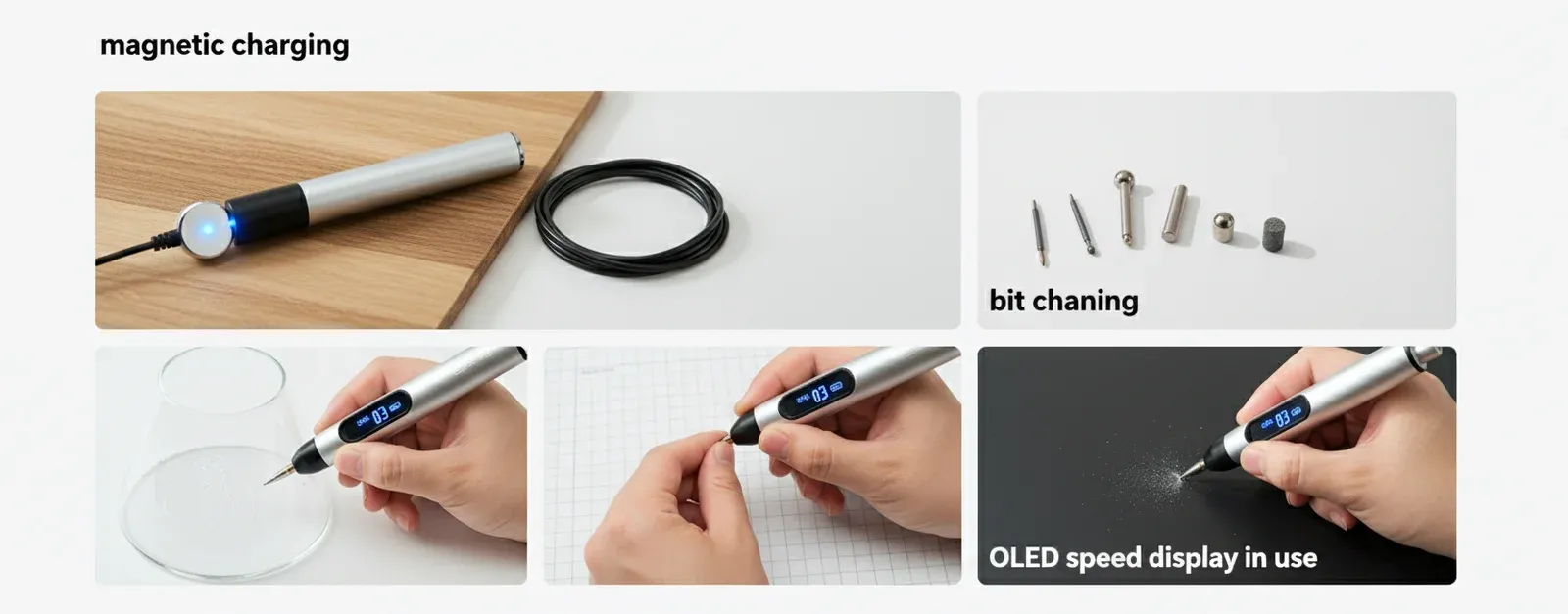
Wood is where most UK home workshop users start, and it's where a portable laser engraver truly earns its keep. But not all wood responds the same way.
Best Woods for Laser Work
Lighter timbers give better contrast. That's the rule of thumb. Birch plywood (3mm and 6mm sheets) is the workhorse material — clean cuts, consistent results, readily available from any UK timber merchant at roughly £8-£15 per 600×400mm sheet.
Cherry and walnut engrave beautifully but cost more. MDF works but produces more residue and frankly smells awful. Oak is gorgeous for engraving but tough to cut cleanly beyond 6mm without multiple passes.
Power Requirements for Wood
Wood Cutting Depth by Laser Power:, a favourite among Britain’s tradespeople
- 5W diode: engraving only, surface marking up to 1mm depth
- 10W diode: cuts 3mm plywood in single pass
- 20W diode: cuts 8-10mm wood reliably
- 40W diode: cuts up to 18mm wood — this is the threshold for serious woodworking projects
That 18mm figure is significant. It means you can cut through standard shelf boards, create proper joinery templates, or produce thick decorative pieces without needing a separate saw for the rough work. My experience with the 40W class machines has been spot on for projects like personalised house signs (usually 12-15mm oak) and layered wall art from 3mm birch ply.
Project Ideas That Actually Sell
If you're thinking commercially — and why wouldn't you at these investment levels — here's what moves at local markets and online:
- Personalised chopping boards (£25-£45 retail, £3-£5 material cost)
- Wedding table names and signage (£8-£15 per piece, bulk orders of 50+)
- Wooden coasters with custom designs (sets of 4 for £18-£22)
- Children's name plaques (£12-£20, consistent sellers year-round)
- Detailed map engravings on 6mm birch (£35-£60 depending on size)
I cleared the cost of my machine in about seven months selling at weekend markets and through a basic Etsy shop. That said, I was putting in proper hours — this isn't passive income.
Key Specifications That Actually Matter for a Portable Laser Engraver
Spec sheets can be overwhelming. Here's what to focus on and what's marketing fluff.
Laser Power (Watts)
Real optical output, not input power. Some manufacturers quote electrical input — a "20W" machine might only deliver 5W to the material. The 40W diode output on premium desktop units like those available at xtoolle.co.uk represents genuine cutting power measured at the focal point.
Speed
600mm/s is the current benchmark for high-end desktop laser cutters. For context: engraving a detailed A4-sized image at 300mm/s takes roughly 45 minutes. At 600mm/s, you're looking at 20-25 minutes. Over a production run of 50 pieces, that time difference is massive.
Working Area
Cube engravers: typically 100×100mm to 150×150mm. Desktop units: 400×400mm up to 600×400mm. Think about your actual projects. A4 paper is 210×297mm — if you can't fit that, you'll hit limitations quickly. (Sounds obvious, but you'd be surprised how many people only clock this after buying.)
Accuracy & Resolution
Look for ±0.01mm positioning accuracy and minimum spot size around 0.08mm. That's what separates crisp text at 8pt font from blurry mush. For wood engraving specifically, 300 DPI equivalent resolution handles most designs perfectly.
What's Actually Marketing Fluff
Ignore: "professional grade" (meaningless without specs), "easy to use" (subjective), and any speed claims that don't specify whether that's travel speed or actual engraving speed. They're different things.
UK Buyer's Comparison: Portable vs Desktop Laser Engravers
I've put together this comparison based on machines I've either used personally or seen demonstrated at maker fairs across Northern Ireland and mainland UK this year.
| Feature | Cube/Compact Engraver (Entry) | Mid-Range Desktop | Premium Enclosed Desktop (e.g. 40W Class) |
|---|---|---|---|
| Typical UK Price | £200–£600 | £800–£1,500 | £1,800–£2,500 |
| Laser Power | 3–10W diode | 10–20W diode | 40W diode |
| Max Wood Cut Depth | 1–3mm | 6–10mm | Up to 18mm |
| Working Area | 100×100mm | 300×300mm | 400×400mm+ |
| Speed | 100–200mm/s | 300–400mm/s | Up to 600mm/s |
| Enclosure | Rarely included | Optional add-on | Fully enclosed, Class I rated |
| Air Assist | No | Sometimes | Yes — integrated |
| Materials | Wood, leather, paper | Wood, acrylic, leather, some metals | Wood, acrylic, metal, glass, leather, fabric |
| Portability | Excellent (under 5kg) | Moderate (10–20kg) | Stationary (25kg+) |
| Best For | Hobbyists, demos, light personalisation | Regular hobbyists, small batch work | Small businesses, production runs, thick materials |
The premium enclosed 40W desktop laser engraver at £2,176.25 from xtoolle sits firmly in that top tier. Multi-material versatility with proper safety certification — that's the combination that justifies the price jump from mid-range machines. You can explore the full range of engraver machines for metal if your projects extend beyond wood.
Safety & UK Compliance for Laser Cutting Equipment
This isn't optional. A laser powerful enough to cut 18mm wood will damage eyes instantly and can ignite materials. The Health & Safety Executive (HSE) classifies laser equipment by risk level, and anything above Class 1 requires specific control measures in a workplace setting.
Class I vs Class IV: Why It Matters
An open-frame laser cutter is typically Class IV — the highest risk category. You need laser safety eyewear, controlled access, warning signs, and ideally a designated laser safety officer if used commercially. A fully enclosed machine with Class I certification means the enclosure itself contains the beam. No special eyewear needed during normal operation. No restricted access requirements.
For a home workshop? Class I is the only sensible choice. Full stop. I've got kids in the house. My workshop shares a wall with the kitchen. An open-frame 40W laser in that environment would be irresponsible.
Fume Extraction
Every laser cutter produces fumes. Wood releases particulates and volatile organic compounds. Acrylic produces irritating gases. You need extraction — either ducted to outside or through a proper filtration unit. Budget £150-£400 for a decent extraction setup on top of the machine cost. The British Standards Institution (BSI) publishes guidance on workplace air quality standards (BS EN 16282) that's worth reviewing if you're running any kind of commercial operation from home., popular across England
Electrical Safety
Check that any machine you buy carries proper CE/UKCA marking. A 40W desktop unit typically draws 300-500W from the mains — a standard 13A socket is fine. Use a dedicated circuit if possible, and never run extraction fans and the laser from the same extension lead.
Setting Up Your Home Workshop for a Desktop Laser Cutter
You don't need much space. But you need the right space.
Minimum Requirements
A sturdy workbench (minimum 800mm deep, 1200mm wide) at comfortable standing height. Access to a window or external wall for extraction ducting. A 13A socket within 2 metres. That's genuinely it for the machine itself.
I use a 1500×800mm bench from a local joinery supplier — cost me £180 and it's rock solid. The machine sits on anti-vibration pads (£12 from Amazon) which, if I'm honest, is probably overkill for a laser that doesn't vibrate much. Old habits from my router table setup.
Material Storage
Plywood sheets warp if stored flat in damp conditions. Stand them vertically. Belfast weather being what it is, I keep a small dehumidifier running in the workshop — £40 unit that's saved me from ruined stock more than once.
Workflow Layout
Think about the process: design on computer, prepare material, load machine, run job, finish piece. Your computer should be within arm's reach of the machine. Material prep (sanding, masking tape application) needs a separate surface. Finished pieces need somewhere to cool and off-gas before handling.
My setup runs along one wall: computer desk, then laser bench, then finishing area. Total footprint is about 4 metres linear. Works in a single garage, a large shed, or a spare room with decent ventilation.
For those working with metals alongside wood, the metal engraver machines available from xtoolle handle aluminium, stainless steel, and brass marking without needing a separate dedicated unit.
Frequently Asked Questions
What can a portable laser engraver cut through?
A compact portable laser engraver with 5-10W power handles engraving on wood, leather, and coated metals, cutting materials up to 3mm thick. Premium 40W desktop units cut through 18mm wood, 15mm acrylic, and engrave on stainless steel, glass, and ceramic. Material capability scales directly with wattage output.
How much does a decent laser engraver cost in the UK?
Entry-level cube engravers start around £200-£600. Mid-range desktop units sit between £800-£1,500. Premium enclosed 40W machines like those from xtoolle cost approximately £2,176.25 including VAT. The premium tier offers Class I safety, multi-material capability, and production-ready speeds of 600mm/s.
Is a laser cutter safe to use at home in the UK?
Yes, provided you choose a Class I enclosed machine and install proper fume extraction. Class I certification means the laser beam is fully contained during operation — no special eyewear required. The HSE requires risk assessments for any laser above Class 1 in workplace settings. Always ensure UKCA marking and adequate ventilation ducted to outside air.
What's the difference between diode and CO2 laser engravers?
Diode lasers (typically 450nm wavelength) excel at engraving and cutting wood, leather, and dark materials. CO2 lasers (10,600nm) cut acrylic and clear materials more efficiently. In 2026, 40W diode units now match early CO2 machines for wood cutting depth at 18mm, while being more compact, requiring less maintenance, and costing 30-50% less.
Can I make money with a home laser engraver?
Absolutely. Personalised wooden products sell well on Etsy and at craft markets. Typical margins run 70-85% on items like chopping boards (£3-5 material, £25-45 retail) and coaster sets. Most UK users report breaking even on a £2,000 machine within 6-9 months of regular selling, assuming 10-15 hours per week of production time.
How loud is a desktop laser cutter?
The laser itself is nearly silent — around 45-50dB, comparable to a quiet conversation. The extraction fan is the main noise source at 55-65dB depending on your setup. That's roughly equivalent to a dishwasher. Enclosed units with integrated air assist tend to be quieter than open-frame machines requiring external compressors.
Key Takeaways
- A portable laser engraver suits occasional use and demonstrations, but serious wood projects demand a 40W desktop unit capable of cutting 18mm material.
- Budget £2,176.25 for a premium enclosed desktop laser engraver with Class I safety, 600mm/s speed, and multi-material capability from xtoolle.
- Class I enclosed machines are the only responsible choice for home workshops — no special eyewear, no restricted access requirements, HSE compliant.
- Wood projects offer 70-85% profit margins with material costs as low as £3-5 per piece and retail prices of £25-60.
- Minimum workshop space needed: 4 linear metres along one wall, with extraction ducted to outside air and a dedicated 13A socket.
- 40W diode technology in 2026 matches early CO2 lasers for cutting depth while costing 30-50% less and requiring minimal maintenance.
- Break-even on a £2,000 machine is achievable within 6-9 months with consistent production and sales through markets or online platforms.
Ready to transform your workshop with xToolle?
Shop the S1 Now — £5729.56